
 Turkey
Mobile internet abroad without a physical SIM. Choose a country and a plan, pay online, and get an eSIM with a QR code.
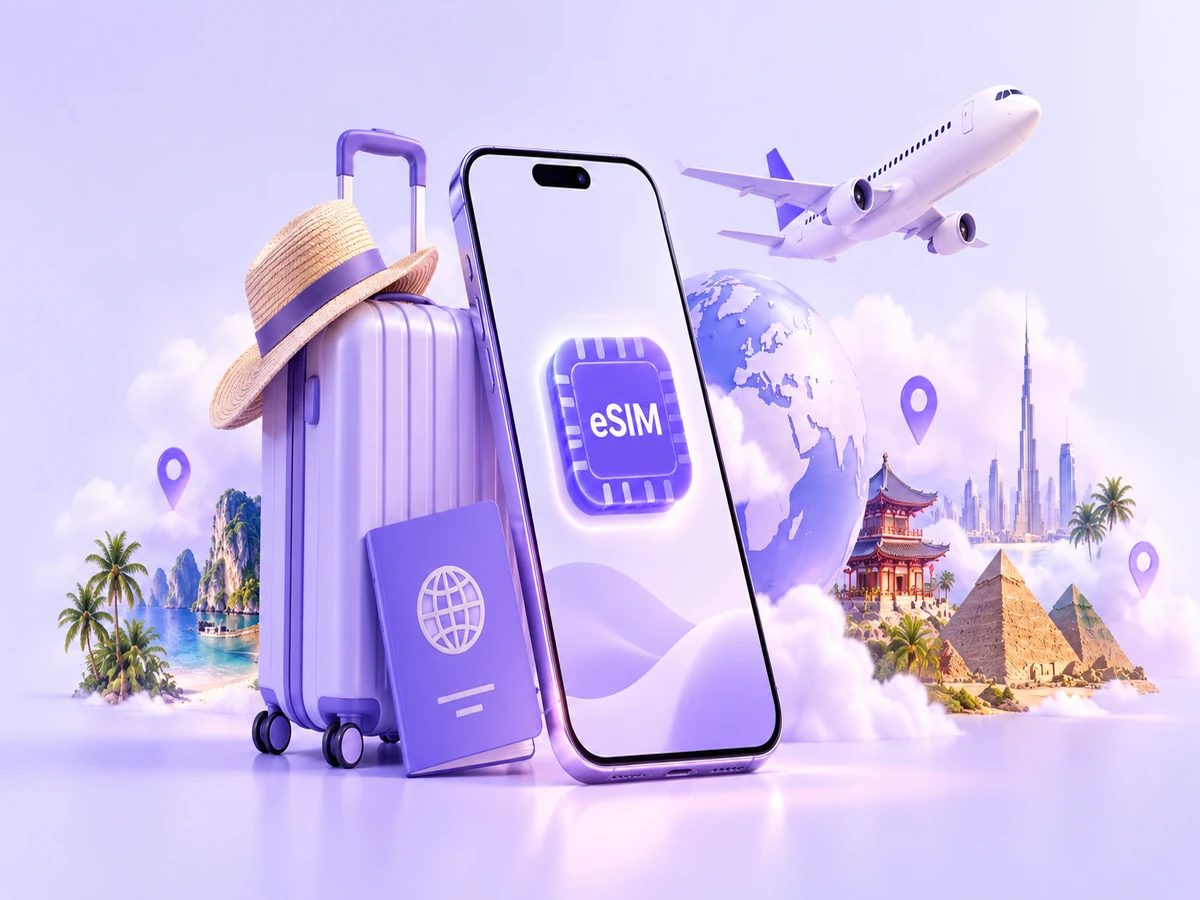
An eSIM is a built-in digital SIM. After purchase you get a QR code or details to install the eSIM on a compatible device. You don’t swap the physical SIM: your main number stays in the phone, and mobile internet runs through the eSIM profile.
Pick a country and a data plan that fits. The price depends on data volume and plan duration.
Turkey
 Thailand
 Egypt
Egypt
 Vietnam
 China
ChinaFor popular destinations we show the 1 GB / 7-day plan. The current price and terms appear before payment.
See all countries and plans →The whole flow takes a few steps: choose a country and a plan, create a P2D account, pay, and install the eSIM with a QR code.
Select your destination and a data plan that fits the trip.
You need an account to receive the eSIM and see the order in your cabinet.
The price and plan details are shown before you pay.
Open the eSIM details in your account and add the profile to your phone.
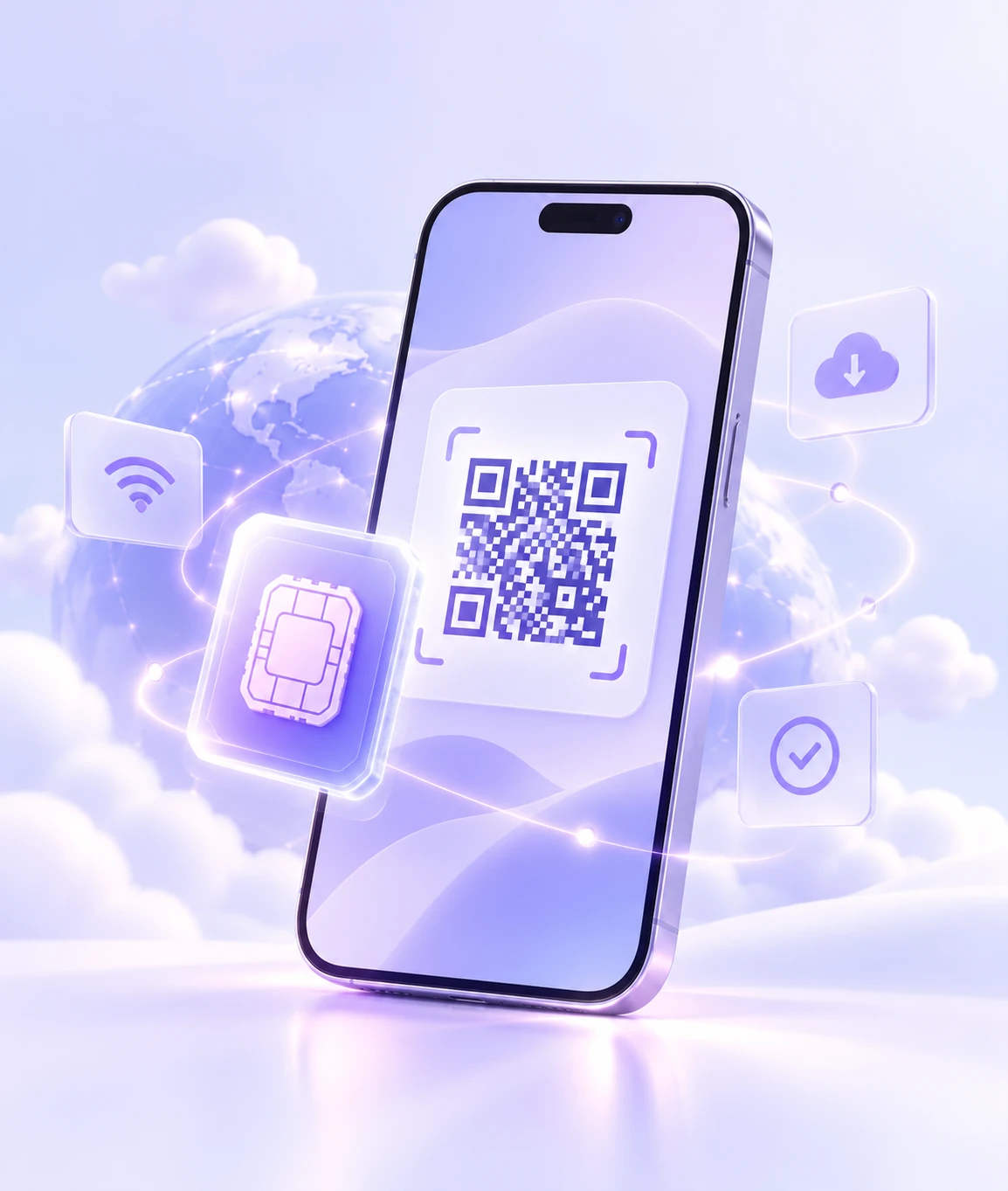
Most modern smartphones support eSIM. Enter your phone model and we’ll check it against our compatibility list.
Each option has trade-offs. Here’s a simple comparison to help you choose what’s easier for the trip.
This comparison is general: roaming and local SIM terms depend on the carrier, country, and specific plan.
Activation timing, networks, and usage rules can differ by plan. Check the key terms of the selected package before you pay.
For most plans the period starts after the first connection to a supported network. If a plan uses a different rule, it will be listed in the package terms.
The available radio technology depends on the country, local carrier, coverage, and your device.
If the selected plan supports hotspot / tethering, you can share internet with other devices. Tethering is listed in the plan terms.
Some eSIMs cannot be installed again after the profile is deleted. Don’t remove the eSIM before the trip ends unless you have to.
Don’t install or delete an eSIM at random. First read the terms of the specific plan and the instructions for your device.
Most issues after install come from network settings, the data line, or APN.
Short answers to the questions people ask most often before buying and installing an eSIM.
An eSIM is a built-in digital SIM. You don’t insert a physical card: after purchase you get a QR code or details to add the eSIM profile to a compatible device.
Check the terms of the specific plan first. If validity starts only after the first connection in the destination country, it’s convenient to install the eSIM before you travel. If the plan has another activation rule, it should be listed on the package card.
Yes, if your smartphone can use a physical SIM and an eSIM at the same time. Choose the eSIM for mobile data, and keep the main number active for calls and messages.
Usually yes. Messengers keep using the account and number they were registered with. The eSIM is then just the source of mobile internet.
It depends on the plan and the local network. If hotspot / tethering is supported, you can share internet with a laptop or another device. Tethering is listed in the selected plan terms.
Many travel eSIMs are data-only and don’t provide a number for regular calls and SMS. Exact terms depend on the selected plan.
Check that the eSIM is on, selected for mobile data, data roaming is allowed, and the APN settings are correct. If internet still doesn’t appear, contact P2D support with your phone model and plan name.
Not always. Some eSIMs allow only one installation. Don’t delete the profile until the trip ends unless the instructions say reinstallation is allowed.
Choose a country and a plan, create a P2D account, and receive the eSIM after payment.